Claude Code for QA Testers, a Beginner's Guide to AI Assisted Test Automation
 Manish Verma
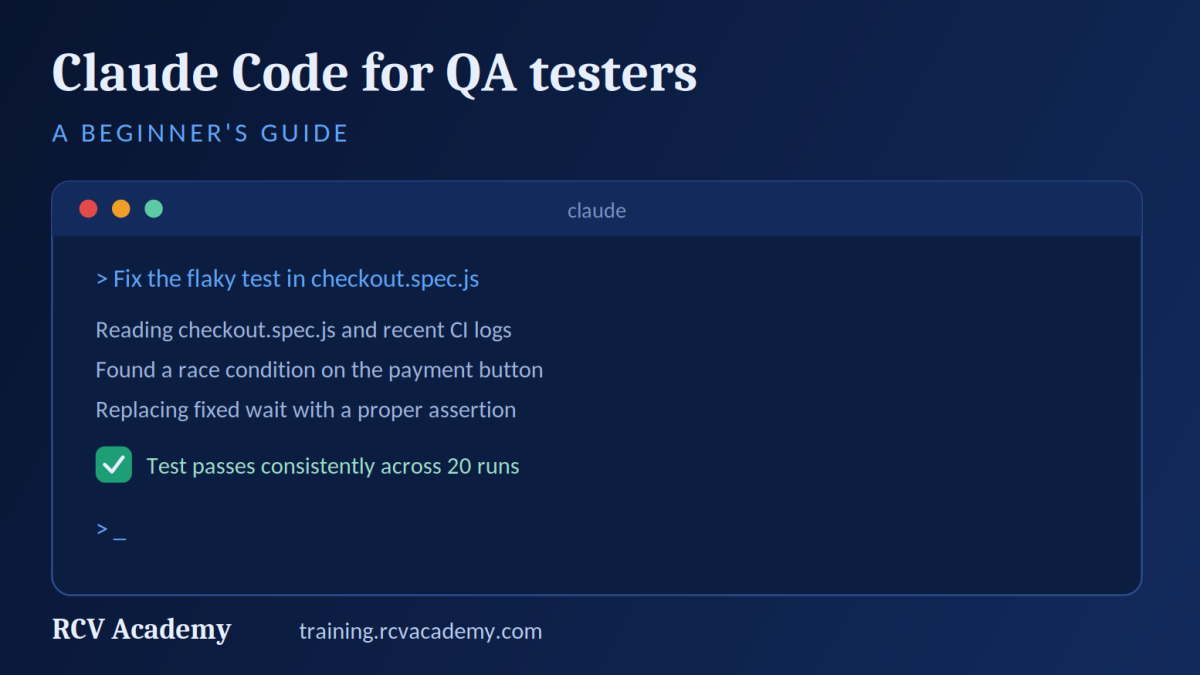
A beginner friendly guide to using Claude Code for QA and test automation, what it does, how to start, and real prompts testers can use today.
Claude Code for QA Testers, a Beginner's Guide to AI Assisted Test Automation
If you have only used Claude through the chat window, Claude Code is a different experience entirely. Instead of copying code back and forth between a browser tab and your editor, it lives right in your terminal, reads your actual project, and can write, run, and fix code on its own. For testers moving into automation, that difference matters a lot, since most of the tedious parts of writing a test framework are exactly the kind of repetitive, pattern based work an agent handles well.
This guide walks through what Claude Code actually is, how to get it running, and specific ways testers are using it day to day, without assuming you already know how to code.
What is Claude Code?
Claude Code is Anthropic's agentic coding tool. Agentic means it does not just suggest a line of code and wait for you to accept it, it can read your whole project, make a plan, write the code, run it, and fix what breaks, all from a plain English instruction. It runs in your terminal, inside VS Code or JetBrains, in a standalone desktop app, and even in the browser.
For QA work specifically, that matters because test automation is full of tasks that are easy to describe but tedious to type out by hand, adding a new test case that follows the same pattern as ten others, updating a locator across a dozen files, or writing a first draft of a Page Object class from a live webpage.
Why QA testers are adopting it faster than expected
Independent developer surveys through 2026 have repeatedly found Claude Code near the top for actual daily usage and for how much developers trust it with real work, not just quick autocomplete. Inside QA teams specifically, testers report using it less like a code generator and more like a research assistant, reading a ticket, drafting a test plan, surfacing edge cases they had not thought of, and in some cases even opening a pull request against a minor bug once a human approves the fix.
None of that requires you to be a strong programmer already. The starting point is simply being specific about what you want, the same skill you already use writing a clear manual test case.
Getting started with Claude Code
You need Node.js 18 or newer and a Claude.ai or Anthropic Console account. Once that is in place, installing and starting Claude Code takes a couple of minutes, and Anthropic's own quickstart walks through it directly.
Once it is running inside your project folder, you talk to it the way you would talk to a colleague sitting next to you.
> What does this test suite cover, and where are the gaps?
> Read login.spec.js and suggest missing negative test cases
> Fix the flaky test in checkout.spec.js and explain what was causing it
Claude Code reads the relevant files, works through the problem, and shows you exactly what it changed before anything is committed.
Five practical prompts for QA Testers / SDETs
Following are some of the requests that produce useful results rather than generic responses and code from Claude Code.
- Review before you trust it.
"Review this Playwright test file and point out any assertions that are too weak or any hardcoded waits that could cause flakiness." - Fill coverage gaps.
"Given this user story and these existing test cases, what edge cases are we missing, especially around boundary values and error states." - Explain, then fix.
"This test has been flaky for a week. Look at the last five failures and tell me what pattern you see before changing anything." - Translate a manual case into automation.
"Here is a manual test case for the password reset flow. Write it as a Playwright test following the same structure as our existing login tests." - Clean up technical debt.
"Find every place in this framework using a hardcoded sleep and replace it with a proper wait condition."
Notice the pattern, each prompt gives context and asks for reasoning, not just output. That is the single biggest difference between a prompt that produces something usable and one that produces something you have to rewrite anyway.
Where it fits with the rest of your AI testing stack
Claude Code becomes more useful once it can see beyond your local files. Through the Model Context Protocol, it can connect to Jira to pull ticket details, to GitHub to open pull requests, or to a live browser through Playwright MCP to explore an application before writing tests against it. For repeated workflows, like a fixed template for how your team writes test cases, you can save that as a reusable skill so you are not re explaining your conventions every session.
None of this needs to be set up on day one. Most testers start with plain conversational prompts against their existing codebase, then add MCP connections once they hit a real need for external data.
Limitations of Claude Code
Claude Code will confidently write code that looks right and is not, the same way any AI tool can. Treat its output the way you would treat a junior engineer's pull request, read it, run it, and verify the logic before merging. It is also not a replacement for understanding your test strategy. It is very good at execution once you know what you want tested, it is not a substitute for deciding what actually needs coverage.
Our Generative AI and AI Agents for QA course covers Claude Code hands on alongside GitHub Copilot, MCP, and n8n, building toward the same kind of multi agent QA workflows described above.
Categories: : AI, Anthropic, Claude, Claude Code, Generative AI